
ChatGPT:Your everyday AI assistant
It’s no longer futuristic tech—it’s the ultimate companion in your pocket. From crushing your daily work to chatting like a friend, ChatGPT makes advanced AI simple, seamless, and essential for your everyday life.
ChatGPT App Review: Is This the Best AI Assistant You Can Carry in Your Pocket?
Test Device: iPhone 15 Pro / iPad Air M2 / MacBook Air M3
Operating System: iOS 18 / iPadOS 18 / macOS Sequoia
App Version: Latest Version
Account Type: ChatGPT Plus Subscriber
What Is ChatGPT?
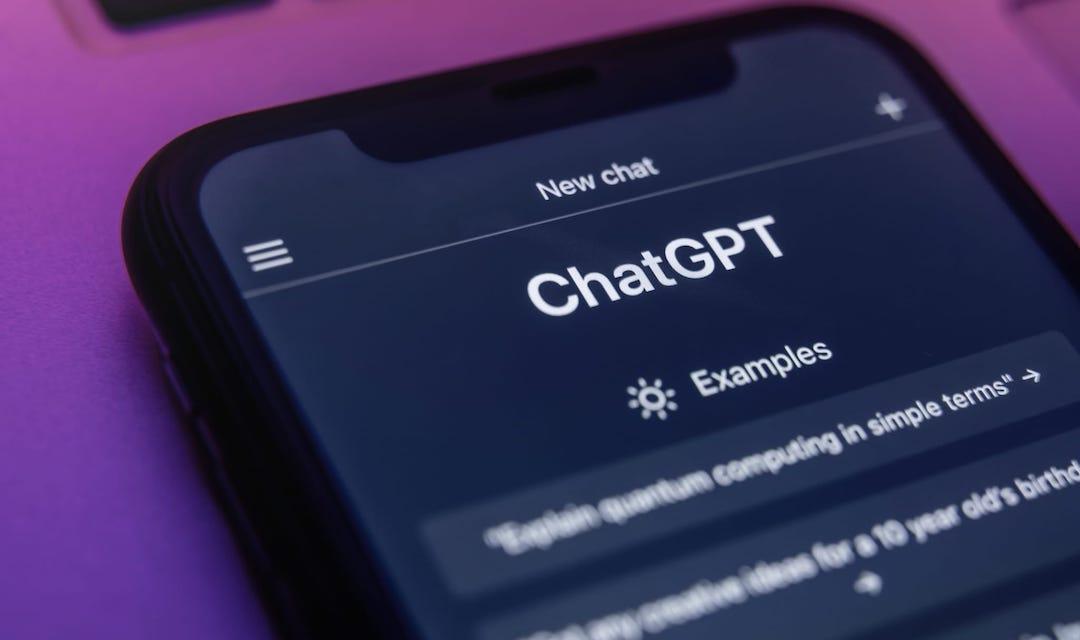
Over the past few years, artificial intelligence has evolved from a niche technology into a mainstream productivity tool. Among the many AI applications available today, ChatGPT has become one of the most recognized names in the industry.
Developed by OpenAI, ChatGPT is an AI-powered assistant designed to help users with everything from answering questions and generating content to analyzing images and assisting with coding tasks. Unlike traditional search engines that provide lists of links, ChatGPT focuses on delivering direct, conversational responses that are often more personalized and context-aware.
The mobile app combines several advanced AI capabilities into a single platform, including text conversations, voice interactions, image recognition, file analysis, language translation, writing assistance, and real-time web access. As a result, it has evolved beyond a simple chatbot and increasingly feels like a personal AI companion that users can access anytime and anywhere.
First Impressions: Minimalist, Clean, and Surprisingly Approachable
The first thing that stands out after installing ChatGPT is how simple the interface feels.
Many modern AI applications try to showcase their capabilities through numerous menus, shortcuts, and feature panels. ChatGPT takes the opposite approach. The home screen is essentially a conversation window, with most advanced features accessible directly from the chat interface.
At first glance, the design may even seem overly simple. However, after several days of use, that simplicity becomes one of the app’s greatest strengths. New users can begin asking questions immediately without spending time learning complicated navigation systems or hidden settings.
The dark mode experience deserves special mention. The interface looks polished and comfortable during extended reading sessions, particularly at night. Text remains highly readable, while the overall design maintains a professional and distraction-free appearance.
Cross-device consistency is another strong point. Whether switching between an iPhone, iPad, or Mac, the overall user experience remains nearly identical. Conversations sync seamlessly, and the learning curve is virtually nonexistent.
Instead of feeling like a feature-heavy software package, ChatGPT feels more like a modern communication tool that happens to be powered by advanced AI.
ChatGPT vs Other AI Apps
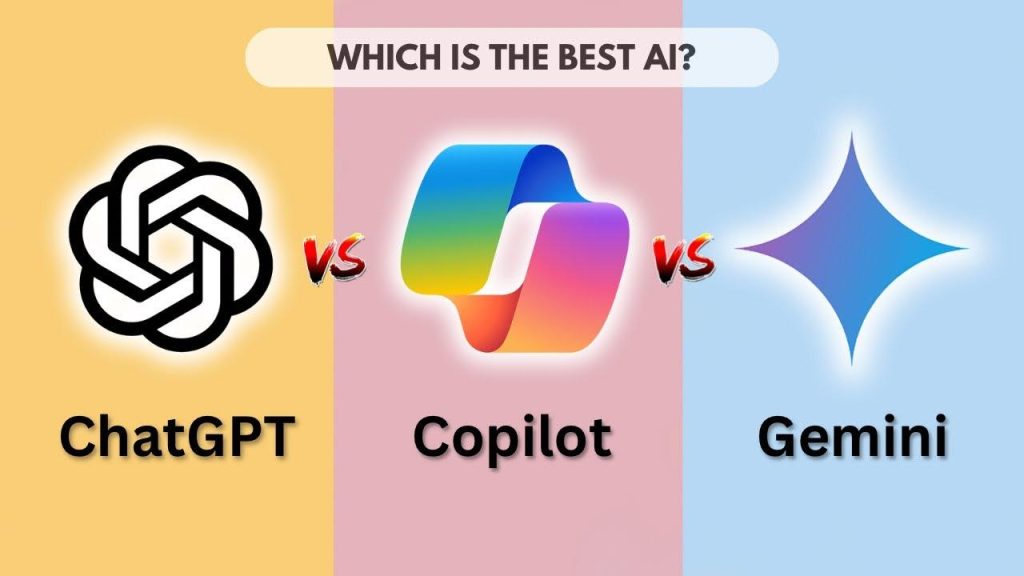
As the AI market continues to expand, users often compare ChatGPT with alternatives such as Google Gemini, Microsoft Copilot, and Claude. While all of these platforms are built around large language models, their strengths vary considerably.
| Feature | ChatGPT | Google Gemini | Microsoft Copilot | Claude |
|---|---|---|---|---|
| Writing Quality | Excellent | Very Good | Very Good | Excellent |
| Voice Experience | Excellent | Good | Average | Limited |
| Image Understanding | Excellent | Excellent | Good | Good |
| Coding Assistance | Excellent | Good | Excellent | Good |
| Mobile Experience | Excellent | Good | Good | Average |
| Ecosystem Integration | Good | Excellent | Excellent | Limited |
| General-Purpose Use | Excellent | Very Good | Very Good | Very Good |
Google Gemini performs particularly well within Google’s ecosystem, making it attractive for users who rely heavily on Gmail, Google Docs, and Android devices.
Microsoft Copilot integrates naturally with Microsoft 365 applications, offering advantages for professionals who spend much of their day working in Word, Excel, or Teams.
Claude is widely respected for long-form writing and document analysis, often producing thoughtful and well-structured responses.
However, when evaluating overall balance, ChatGPT currently offers the most complete package. It combines strong writing capabilities, advanced voice interaction, image understanding, coding support, and a polished mobile experience without any major weaknesses.
Voice Mode: The Most Futuristic Feature in the App
If there is one feature that demonstrates how far conversational AI has progressed, it is Voice Mode.
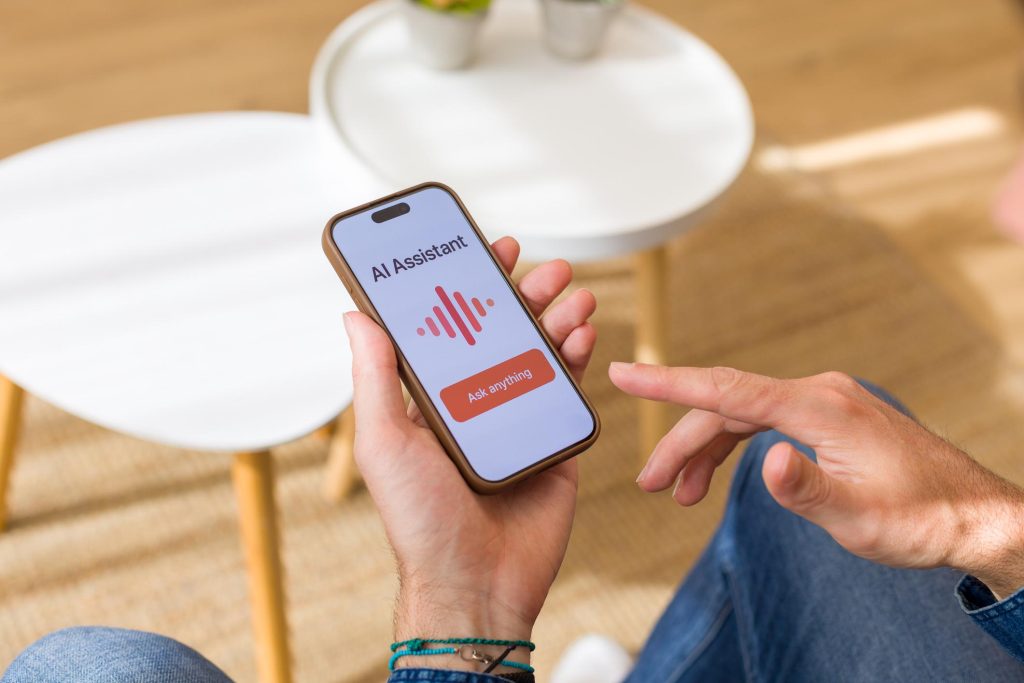
Most traditional voice assistants still operate on a simple request-response model. Users ask a question, wait for a response, and then begin a new interaction. ChatGPT’s voice experience feels significantly more natural.
During testing, I used Voice Mode for casual conversations, travel planning, language practice, brainstorming sessions, and productivity discussions. The responses were delivered with natural pacing, realistic intonation, and surprisingly fluid conversational rhythm.
One feature that dramatically improves the experience is interruption support. While the AI is speaking, users can jump in with a follow-up question or correction, and the assistant immediately adjusts its response. This creates a dialogue that feels much closer to human conversation than traditional voice assistants.
Response times were generally fast, with most replies beginning within one or two seconds under a stable internet connection. The overall experience is immersive enough that it occasionally feels less like interacting with software and more like speaking with a knowledgeable digital assistant.
Visual Intelligence: Turning Your Camera Into an AI Tool
One of the biggest advantages of using ChatGPT on a smartphone rather than a desktop browser is access to the device’s camera.
This transforms ChatGPT from a text-based assistant into a visual AI capable of understanding the world around you.
During testing, I photographed electronic devices, books, food packaging, signs, and household products. The app consistently identified objects accurately and often provided additional context, explanations, and recommendations beyond simple recognition.
Translation was equally impressive. Capturing images of Korean street signs, restaurant menus, and product packaging produced fast and accurate translations. More importantly, ChatGPT often explained cultural or contextual meanings that standard OCR translation tools tend to overlook.
Educational use cases are particularly compelling. By simply photographing a math problem, reading passage, or worksheet, users can receive detailed explanations and step-by-step solutions. This makes the feature valuable not only for students but also for parents assisting with homework.
Although image recognition occasionally struggles with blurry photos or highly complex layouts, overall performance remains among the strongest currently available in consumer AI applications.
Text Performance: Still the Core Strength of ChatGPT
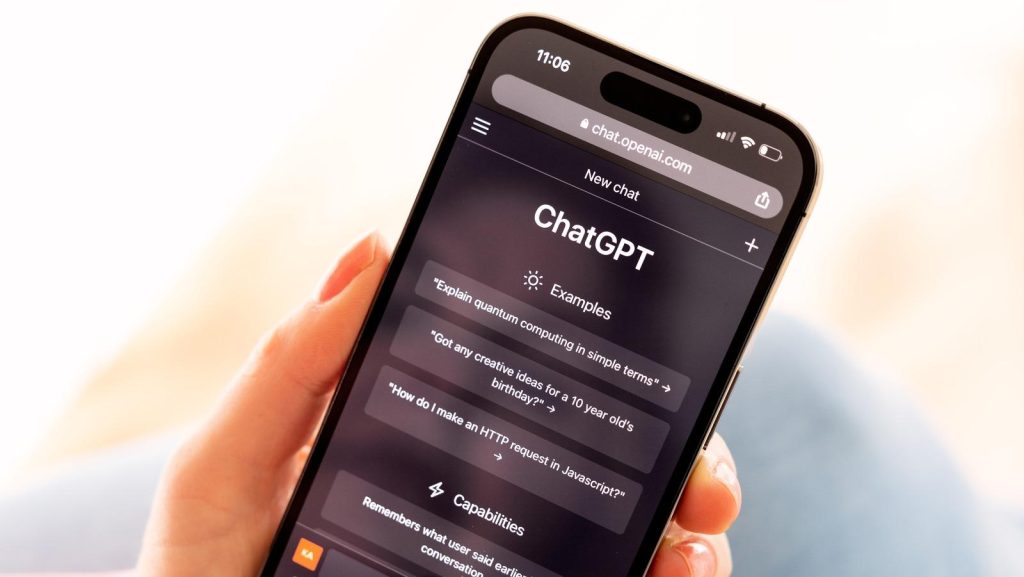
While voice and visual features attract much of the attention, text generation remains the foundation of the ChatGPT experience. Throughout the testing period, I relied on the app for writing emails, creating marketing content, generating outlines, summarizing documents, brainstorming ideas, and solving technical problems. In most cases, the quality of the output was consistently high.
The key difference between ChatGPT and a traditional search engine is the way information is presented. Instead of requiring users to sift through multiple websites, ChatGPT organizes information into structured responses that are easier to understand and act upon.
Coding assistance continues to be another major strength. Whether debugging Python scripts, explaining JavaScript concepts, or generating HTML and CSS examples, the app provides fast and generally accurate support. While professional developers will still require specialized development tools, ChatGPT serves as an excellent companion for learning, troubleshooting, and rapid prototyping.
For everyday productivity, few mobile applications currently offer a similar combination of speed, versatility, and convenience.
Why the Mobile App Often Feels Better Than the Web Version
Technically, both the mobile app and web version access the same AI models. In practice, however, the mobile experience often feels more useful. The reason is simple: smartphones are always available.
Whether you’re commuting, shopping, traveling, studying, or attending meetings, the app allows you to access AI assistance in moments where opening a laptop would be impractical.
Need to translate a menu? Take a photo.
Need a quick explanation while walking between meetings? Use Voice Mode.
Need help organizing thoughts during a commute? Open the app and start talking.
Features such as widgets, file sharing, camera integration, and system-level shortcuts make the app feel deeply integrated into daily life rather than functioning as a standalone productivity tool. This convenience factor is ultimately what separates the mobile experience from browser-based usage.
Areas Where ChatGPT Still Needs Improvement
Despite its strengths, ChatGPT is not without limitations.
The most obvious issue is its dependence on internet connectivity. Since most processing occurs in the cloud, poor network conditions can negatively impact response speed, image analysis, and voice interactions.
Free users may also encounter usage limits during peak periods. While the free tier remains generous for casual users, power users will likely reach those limits relatively quickly.
Battery consumption is another consideration. Extended Voice Mode sessions can noticeably increase power usage and device temperature, particularly on older smartphones.
Finally, like all current AI systems, ChatGPT can occasionally generate inaccurate information or confidently present incorrect details. While reliability continues to improve with each model update, important information should still be verified through trusted sources.
Final Verdict: One of the Most Complete AI Apps Available Today
If I had to summarize ChatGPT in a single sentence: ChatGPT is no longer just an AI chatbot—it is one of the most capable and well-rounded personal AI assistants currently available on mobile devices.
Recommendations for Users:
For Students
- The free version is often sufficient for studying, language learning, research, and homework assistance.
- Visual problem-solving and writing support are particularly valuable.
For Professionals
- A Plus subscription is easy to justify if AI becomes part of your daily workflow.
- The productivity gains can significantly outweigh the subscription cost.
For Tech Enthusiasts
- Voice Mode, multimodal capabilities, and access to advanced AI models make ChatGPT one of the most exciting apps to explore.
Download & Availability
ChatGPT is available on iPhone, iPad, Android, Windows, macOS, and web browsers, making it one of the most accessible AI applications on the market. Installation takes only a few minutes, and conversations sync seamlessly across devices. While the free version is sufficient for everyday tasks such as learning, writing, and general assistance, users who need faster responses, higher usage limits, and access to the latest AI models can upgrade to ChatGPT Plus for a more powerful experience.