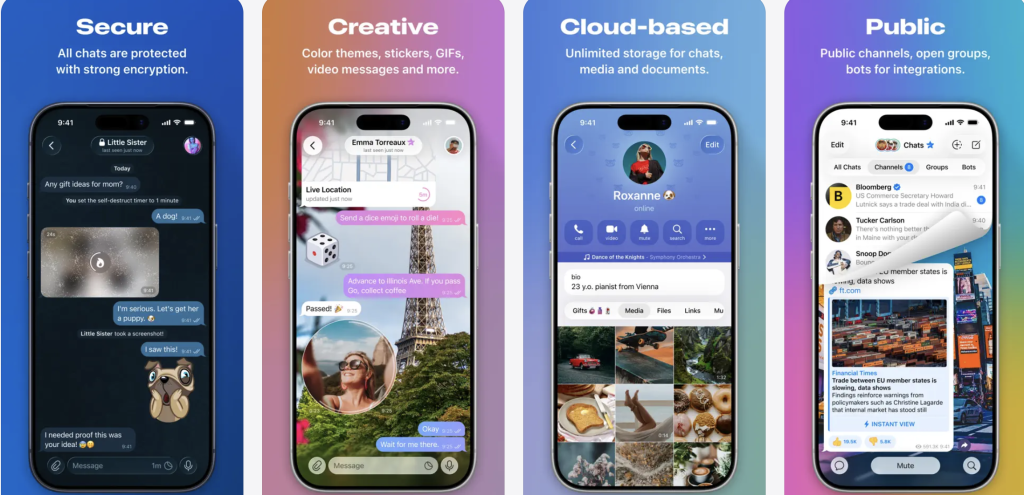
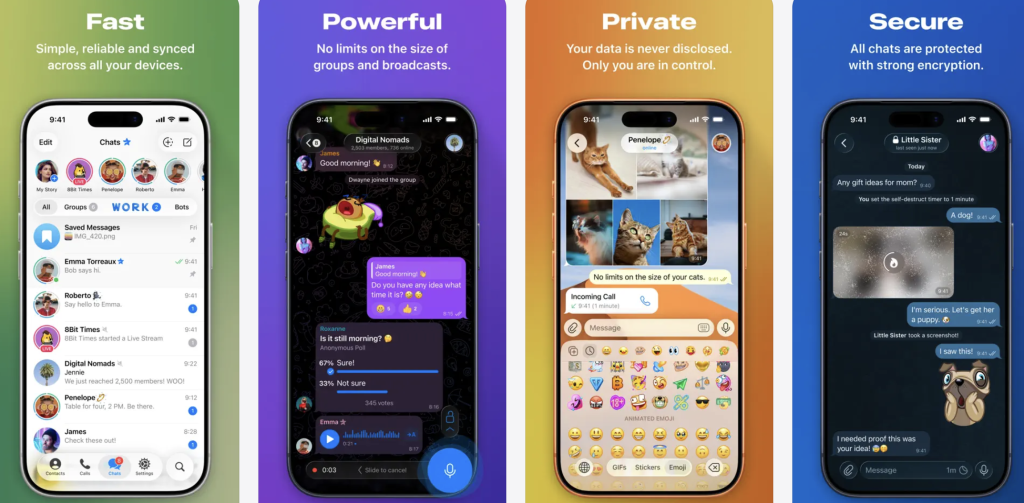
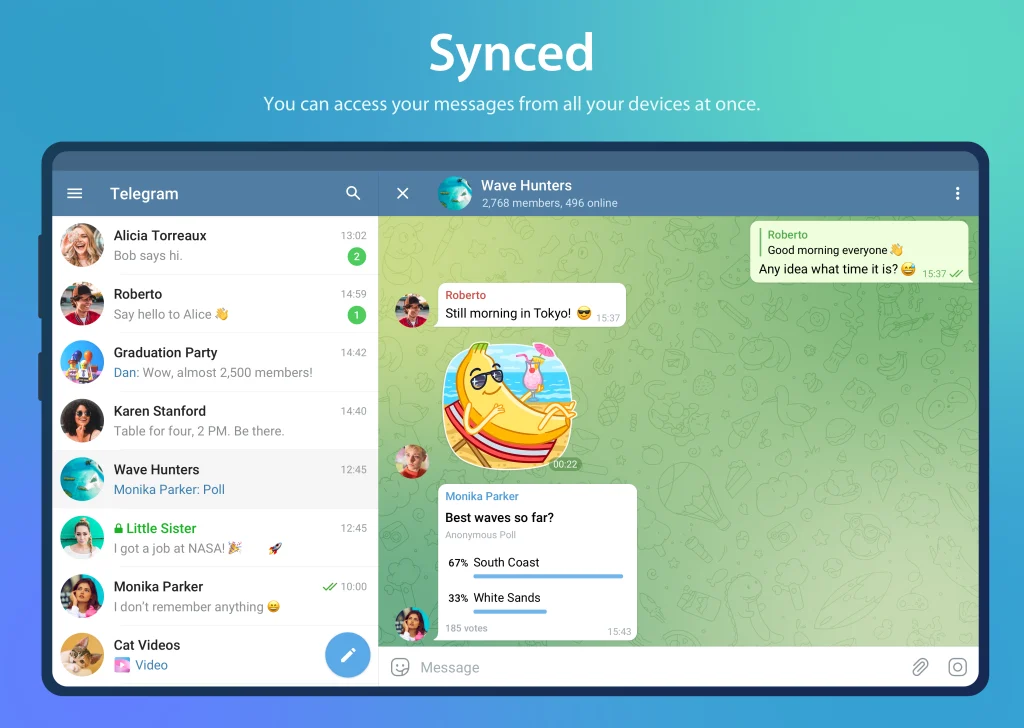
Pure instant messaging — simple, fast, secure, and synced across all your devices. One of the world’s top 10 most downloaded apps.
Telegram Review 2026: Is Telegram Safe? Deep Review, Encryption Analysis & Telegram vs WhatsApp Comparison
A powerful instant messaging app built around cloud synchronization, large communities, flexible automation tools, and cross-platform communication.
Best For: Users who need multi-device messaging, large online communities, file sharing, and advanced communication tools.
Biggest Strength: Excellent cloud synchronization, huge group capacity, fast file transfer, and a powerful Bot ecosystem.
Main Weakness: Default chats are not end-to-end encrypted, and the platform has fewer content restrictions compared with some competitors.
One-Sentence Verdict: Telegram is one of the most feature-rich messaging apps available today, especially for users who value flexibility and large-scale communities, but users should understand its encryption model before treating it as a privacy-first messenger.
Telegram Review 2026: Real User Experience After Long-Term Testing
As a mobile application reviewer who has tested Telegram across multiple platforms, I found that Telegram stands out mainly because it is designed more like a complete communication ecosystem rather than a simple messaging tool.
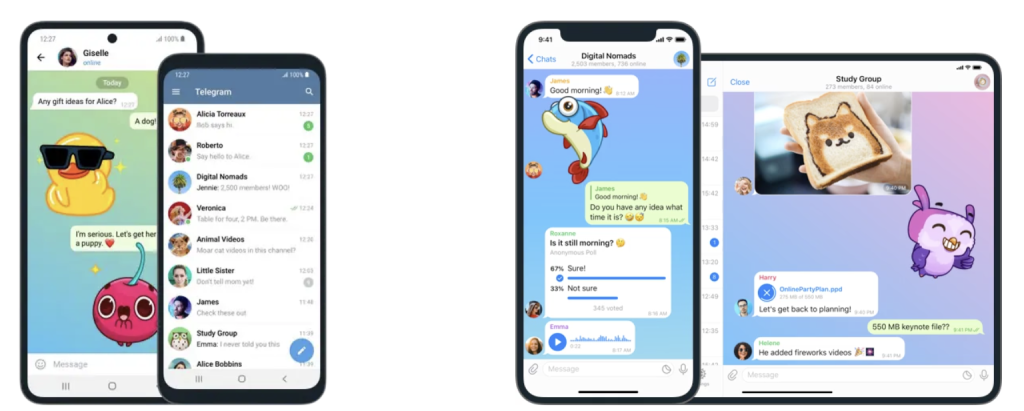
After long-term usage on Android, iOS, Windows, and macOS, the biggest advantage is the seamless cross-device experience. Unlike traditional messaging apps that rely heavily on a single phone as the primary device, Telegram stores most conversations in the cloud, allowing users to switch devices almost instantly without manually restoring backups.
For example, a conversation started on an Android smartphone can continue on an iPad or desktop computer within seconds. Messages, files, media, and chat history remain synchronized, making Telegram especially convenient for users who work across multiple devices.
Large File Transfer Experience
One of Telegram’s strongest practical advantages is file sharing. During testing, Telegram handled large document and media transfers much better than many mainstream messaging apps. Depending on the current account limits and platform updates, users can send files up to 2GB per file, while Telegram Premium users can upload files up to 4GB.
This makes Telegram useful for:
Sharing high-resolution videos
Sending work documents
Transferring software packages
Sharing design files and archives
Moving large files between personal devices
Compared with many traditional messaging platforms that compress images or limit file sizes, Telegram provides a more flexible file-sharing experience.
Super Groups and Community Features
Telegram is not only a private messaging app. Its community features are one of the reasons it became popular worldwide.
Large Telegram groups can support up to 200,000 members, making the platform attractive for:
Online communities
Developer groups
Education channels
Gaming communities
Crypto and technology discussions
Brand announcements
Channels are another important feature. Unlike normal group chats, Telegram Channels allow administrators to broadcast messages to unlimited subscribers, making them similar to newsletters or social media feeds.
Telegram Bots: Automation Beyond Messaging
The Telegram Bot ecosystem is one of its biggest advantages over many competitors.
Telegram Bots can automate tasks such as:
Customer support
Group moderation
Notifications
Translation
File management
Productivity workflows
Entertainment services
For example, developers can create a Bot that automatically sends website updates, manages community rules, or connects with external services.
This open approach makes Telegram more customizable than many traditional messaging apps.
Core Features and Technical Analysis
Telegram Encryption Explained: Is Telegram Really Secure?
When discussing Telegram encryption, many users misunderstand how its security system works. A common misconception is that Telegram uses default end-to-end encryption for every conversation. This is not correct.
Telegram uses two different encryption systems:
1. Cloud Chats (Default Messages)
Normal Telegram conversations use Telegram’s cloud-based system with encryption based on its proprietary MTProto protocol.
Features include:
Encrypted communication between users and Telegram servers
Cloud synchronization across devices
Message access from multiple platforms
However, standard cloud chats are not end-to-end encrypted by default.
This means Telegram’s servers technically handle encrypted message storage and synchronization.
The sticker ecosystem is particularly active, with thousands of community-created sticker packs available.
Telegram Premium: Is the Subscription Worth It?
Telegram Premium is the paid version designed for heavy users.
Main benefits include:
Larger file uploads (up to 4GB)
Faster download speeds
More folder and channel management options
Additional stickers and reactions
Increased limits for certain features
For casual users, the free version is already powerful enough.
However, Premium can be worthwhile for:
Content creators
Community managers
Business users
Users who frequently transfer large files
Overall, Telegram Premium offers useful upgrades but is not essential for normal messaging.
Telegram vs WhatsApp vs Signal: Detailed Comparison
Feature
Telegram
WhatsApp
Signal
Default Encryption
Cloud encryption (MTProto), not E2EE by default
End-to-end encryption by default
End-to-end encryption by default
Encryption Method
MTProto + Secret Chat E2EE
Signal Protocol
Signal Protocol
File Transfer Limit
Up to 2GB free / 4GB Premium
Around 2GB depending on platform updates
Smaller file limits
Group Size Limit
Up to 200,000 members
Smaller community limits compared with Telegram
Smaller group capacity
Cloud Sync
Excellent multi-device cloud sync
Limited compared with Telegram
Privacy-focused but less cloud-oriented
Cross-platform Experience
Excellent Android/iOS/Desktop support
Good but phone-centered historically
Good but fewer ecosystem features
Community Features
Channels, Bots, massive groups
Communities and groups
Mainly private communication
Privacy Focus
Medium to high with proper settings
Strong encryption but Meta ecosystem concerns
Highest privacy priority
Potential Risks and Disadvantages of Telegram
Although Telegram offers many powerful features, it is not perfect.
1. Default Chats Are Not End-to-End Encrypted
The biggest privacy concern is that normal Telegram conversations are cloud chats rather than fully end-to-end encrypted conversations. Users who require maximum privacy should use Secret Chat instead.
2. Telegram Does Not Have a Fully Official Chinese Interface
Many users search for Telegram, but Telegram does not provide a complete official mainland China version. Some users install language packs manually through Telegram settings or community translations. When downloading Telegram, users should always use official sources to avoid modified applications.
3. Spam Messages and Scam Bots
Because Telegram provides an open platform, users may encounter:
Spam groups
Fake investment channels
Scam Bots
Phishing links
Users should avoid:
Unknown links
Suspicious Bots
Requests for payment information
Fake account verification messages
4. Content Moderation Is More Relaxed
Compared with platforms like WhatsApp, Telegram generally provides more freedom for public groups and channels. This flexibility attracts many communities, but it also means users may encounter inappropriate or misleading content.
How to Use Telegram More Safely
For better security, users should:
✅ Enable two-step verification (2FA) ✅ Hide phone numbers from strangers ✅ Limit who can add you to groups ✅ Avoid unknown Bots ✅ Verify official accounts ✅ Use Secret Chat for sensitive conversations
Recommended privacy settings: Settings → Privacy and Security → Phone Number → Nobody
This reduces the chance of strangers discovering your account through your phone number.
Telegram FAQ: Common Questions Answered
1. Is Telegram Safe? Can Telegram Leak My Phone Number?
Telegram is generally safe when used correctly, but its security depends on user settings. Your phone number is not automatically visible to everyone. Users can adjust privacy settings to hide their number. However, standard Telegram chats are not end-to-end encrypted by default. For sensitive conversations, use Secret Chat.
In short:
Normal chats: convenient but cloud-based
Secret Chats: stronger privacy protection
2. How Do I Set Telegram to Chinese?
To use Telegram, users can change the language inside the app.
Steps:
Open Telegram
Go to Settings
Select Language
Choose Chinese if available
Apply the language change
If Chinese is not displayed, users may install a trusted Telegram language pack through official Telegram resources.
Avoid downloading unofficial modified APK files labeled as “Telegram Chinese version,” as they may contain security risks.
3. Telegram vs WhatsApp: Which Is Better?
The answer depends on your needs.
Choose Telegram if you want:
Large groups
Cloud synchronization
Big file transfers
Bots and automation
Multiple device usage
Choose WhatsApp if you prefer:
Simple messaging
End-to-end encryption by default
Wider adoption among friends and family
Choose Signal if privacy is your highest priority.
Overall, Telegram provides more features and flexibility, while WhatsApp offers simpler communication with stronger default encryption.
Final Verdict: Should You Download Telegram in 2026?
Telegram remains one of the most advanced messaging applications available today.
Its combination of cloud synchronization, large communities, powerful Telegram Bots, huge file-sharing capabilities, and cross-platform support makes it especially attractive for technology users, creators, and online communities.
However, users should understand that Telegram is not a pure privacy messenger. The biggest point to remember is that regular chats are not automatically end-to-end encrypted.
For everyday communication, file sharing, and community participation, Telegram is an excellent choice. For highly sensitive conversations, use Secret Chat or consider privacy-focused alternatives.
Telegram is a feature-rich communication platform that balances convenience, customization, and security — as long as users understand how its privacy settings actually work.
Telegram Download Recommendation:
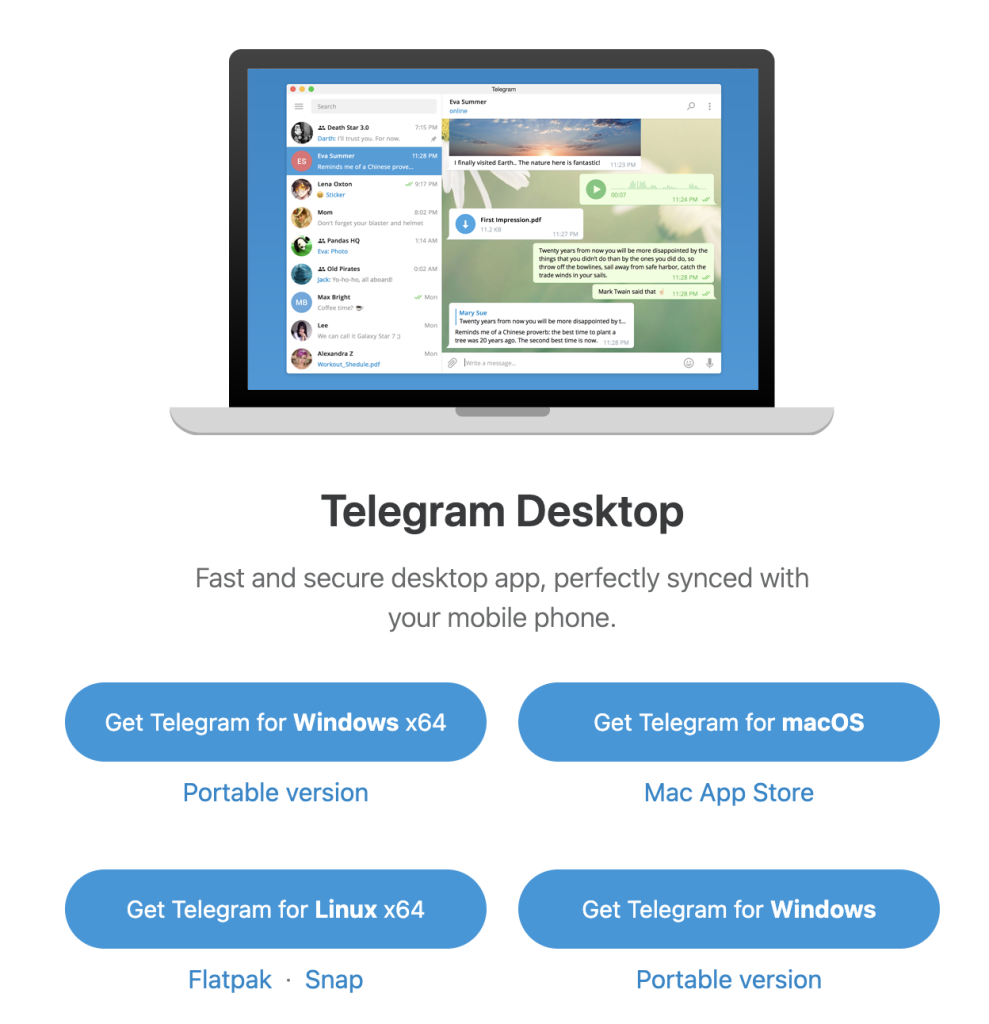
The desktop version supports the same account synchronization system, allowing users to continue conversations across computers and mobile devices.